Rekeying After You Move In: Why and How
You rarely know how many keys to a new home are still out there. Here is why rekeying makes sense after a move, how it works, and what else to reset that week.
5 min read
Moving & Travel
The previous owners, their contractors and maybe a dog walker or two could still have a way in. This guide walks you through the first weeks: keys, codes, garage remotes, your network and the paperwork worth protecting.
Closing day usually ends with a handful of keys and a garage remote, and it's tempting to assume that's everything. It rarely is. Sellers hand out spare keys over the years, to relatives, cleaners, pet sitters and contractors, and few people keep a list. Keypad codes, gate codes and app access can outlast a sale, too.
None of this means anyone plans to walk in. It just means the access to your home was set up for someone else's life. The steps below help you reset it for yours, roughly in the order most people find practical, starting with the locks on day one and ending with a simple record you can update later.
1Step 1 of 8
Start with the doors, because there's no telling how many copies of the previous owner's keys are out there. Rekeying swaps out the tiny pins inside each cylinder, which retires the old keys while the hardware stays on the door. It's usually quicker and less costly than buying new locks, and a locksmith can often set every exterior door to one new key. Replacing makes more sense if a lock is worn, loose or a style you don't like. Don't forget the less obvious doors: the one between the garage and the house, a side gate with a keyed latch, a basement or storm door, and any shed where you keep tools.
Rekeying keeps your hardware and changes the key. Replacing changes both. Worn, wobbly or damaged locks are good candidates for replacement rather than rekeying.
Write down how many keys you end up with and who holds each one. That short list makes the next change much easier to manage.
Houses that have been updated piecemeal often have a different lock on every door. A locksmith can tell you which cylinders can share one key.
2Step 2 of 8
Keys are only half of access now. Walk through the house and list anything that opens with a number or an app: a keypad deadbolt, a smart lock, an alarm panel, a gate, a community entry system. Many of these have a master or programming code in addition to the everyday user codes, so check the manual or the maker's support site for how to reset both. If the manual is gone, search for the model number printed on the device. If a real estate lockbox is still hanging on a door or spigot, call the listing office before you cut it off, since it may belong to them.
Removing a code is better than just adding yours. Codes set up for the seller, cleaners or a dog walker may keep working until someone deletes them.
Skip street numbers, birthdays and simple patterns like a row of keys. A code that looks random to a visitor but makes sense to you is easier to keep private.
3Step 3 of 8
A garage remote is a house key that people rarely think about. Most openers let you clear every paired remote and keypad at once, usually by holding a learn button on the motor unit until a light changes. After that, you pair only the remotes you have in hand. Do the same with the exterior keypad and any car that was programmed to open the door. If your opener connects to an app, remove the old account or reset the device before you set it up in your own name. Gates in shared communities are usually handled by the association, so ask how they assign codes and remotes.
Clearing wipes out every remote the opener remembers, including ones you'll never see. Re-pair only the remotes and keypads you actually hold.
A garage door technician can suggest ways to protect the release mechanism, keeping in mind that it still has to work during a power outage.
4Step 4 of 8
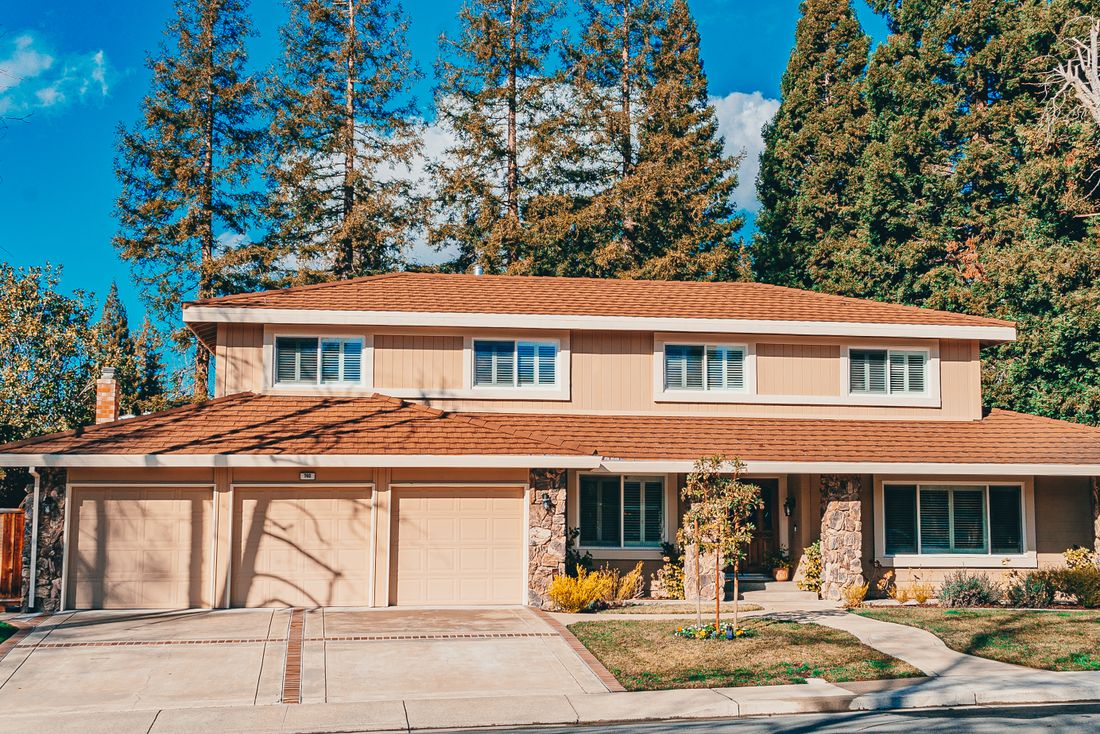
Pick an evening in your first week and walk around the house after dark. You'll notice things you missed during showings: a sliding door with no secondary bar, a window latch that doesn't catch, shrubs that hide a side door, a porch fixture with a dead bulb. Make a short list and fix the easy items first. Drop a dowel or security bar into slider tracks, tighten or replace loose latches, trim plantings back from doors and lower windows, and swap burned-out bulbs. If the house number is hard to read from the street, fix that too, because it helps emergency responders find you.
A bar or dowel laid in the lower track stops a sliding door from moving even when the latch is weak. Pin-style locks are another inexpensive option for sliders and some windows.
Clear, well-lit numbers help delivery drivers and emergency crews. If you ever need to call 911, you want responders to find the right house quickly.
5Step 5 of 8
If the house came with an alarm panel, sensors or cameras, find out what condition they're in before you rely on them. The system may still be tied to the previous owner's monitoring contract, or it may have been disconnected months ago. Look for a label on the panel with the monitoring company's name, and call to ask about activating service in your name or starting fresh with someone else. Ask the provider you choose to reset the master code. Many cities and counties require alarm permits or registration, and the rules vary, so check with your local police department or city office.
If the system is monitored, ask the company to put your account in test mode before you trip any sensors, so nobody is dispatched by mistake.
Reset cameras to factory settings and set them up under your own account. Check what each one sees so it doesn't record a neighbor's yard or windows.
Some equipment is leased rather than owned. Ask whether the panel and sensors belong to the house or to a provider who may want them back.
6Step 6 of 8
The sellers may have left a router, a video doorbell, a smart thermostat or a few smart plugs. Treat each one as someone else's device until you reset it. Factory reset what stays, then set it up with your own account. If you keep an internet provider's router, change its admin password along with the Wi-Fi name and password, and turn on automatic updates where the setting exists. If your router can create a guest network, use it for smart home gear so those devices stay apart from your laptops and phones. Then open each app and confirm that no one else is listed as a shared user or household member.
The router's admin password is separate from the Wi-Fi password. Change both, and store them somewhere safer than a sticky note on the router.
Doorbell, lock and thermostat apps often allow several users. Check the sharing or household settings and remove anyone you don't recognize.
Updates patch security holes. Turn on automatic updates, or set a calendar reminder to check each device every few months.
7Step 7 of 8
Your closing package holds a lot of personal information: the deed, loan papers, title insurance policy, settlement statement and often copies of IDs and bank details. Keep the originals together in a fire-resistant box or safe at home, or in a safe deposit box, and store scanned copies in an encrypted account or drive. Shred extra drafts you don't need. Update your address with banks, insurers and government agencies, and set up mail forwarding from your old place. Some county recorder offices offer a free service that emails you when a document is recorded with your name on it, so check whether yours does.
Keep originals in one protected spot and digital copies in another. If one set is lost to fire, water or theft, you still have the other.
Forwarding can take a while to catch up. Check the mailbox daily for the first few weeks so bills and new bank cards don't sit outside.
8Step 8 of 8
The last step is the one that makes every future change easier. Write down who has a key, which codes exist and who knows them, how many garage remotes you own, and the login for each smart device or app. Keep it in a password manager or a locked drawer, not taped inside a kitchen cabinet. Revisit it whenever something changes: a contractor finishes, a house sitter goes home, a roommate moves out. It's also a good moment to introduce yourself to the neighbors on either side, trade phone numbers, and agree to give each other a heads-up about anything unusual.
Tick boxes as you go. Nothing leaves this page.
When the existing locks turn smoothly and suit your taste, rekeying is usually all you need, since it makes every old key useless. Replace a lock when it's worn, sticks, feels loose in the door, or when you want different hardware such as a keypad deadbolt. A locksmith can look at your doors and tell you which ones are worth replacing.
As soon as practical, ideally before your first night if you can arrange it. Codes and garage remotes are often something you can reset yourself in an afternoon. Locks may take a locksmith visit, so book one ahead of closing if you know the date. Until then, keep doors locked and don't leave spare keys anywhere outside.
Possibly, but check first. The equipment may be owned or leased, the monitoring contract may still belong to the previous owner, and you probably don't know the master code. Call the company named on the panel or have a new provider inspect it. Local alarm permit rules differ from place to place, so ask your city or county whether the system needs to be registered.
Treat them as unknown until you reset them. Do a factory reset, set each one up under your own account, and update its software. If a device won't reset, or its maker no longer supports it, removing it may be the safer choice. Before you do, check whether it's wired into something important, like a thermostat or doorbell circuit.
Moving in is busy, and security tasks can slide down the list behind boxes and utility accounts. Handling a few of them now, especially locks, codes and remotes, means access to your home belongs to you and the people you choose. Come back to your access record whenever keys or codes change hands. SecureYrHome's other homeowner guides cover cameras, outdoor lighting and everyday habits, all written as general education; the site itself doesn't sell, install or monitor security equipment, so talk with a qualified local professional about the details of your own home.
 Moving & TravelAway From HomeAn empty house gives itself away in small ways: a pile of mail, a dark porch every night, a trash can still at the curb.Read the guide
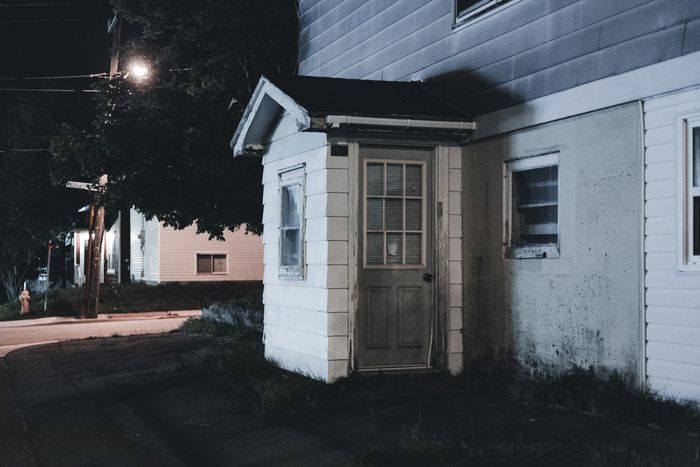 Doors & Entry PointsHome Security BasicsGood home security starts with the doors, windows and habits you already have.Read the guide
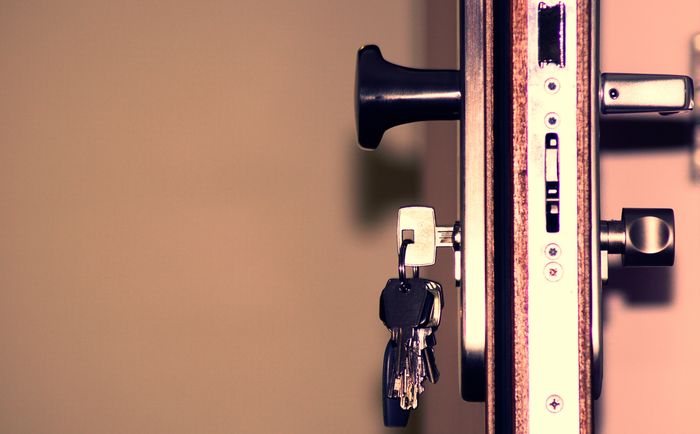 Doors & Entry PointsDoor Locks & Smart LocksA deadbolt can only hold as well as the door, frame and screws around it.Read the guide
You rarely know how many keys to a new home are still out there. Here is why rekeying makes sense after a move, how it works, and what else to reset that week.
5 min readHiding a spare key under the mat or in a fake rock is an old habit worth breaking. Compare safer spare key options and learn how to keep track of every copy.
5 min readThe longer a package sits on your porch, the more chances it has to disappear. These practical steps help you shorten that window, change where boxes land and respond calmly if one goes missing.
5 min read
Property and homeowner records, list building, routes and outreach tools for security dealers, locksmiths, installers and contractors.