Cameras can show you who is at the door, record what happened in the driveway and let you check in while you're away. This guide covers choosing a type, placing it well, storing footage and respecting the privacy of the people around you.
A camera is a recording tool first. It may discourage some casual mischief, and it can help you and the police piece together what happened after the fact, but it doesn't lock a door or stop someone who is determined. Treat it as one layer alongside good locks, lighting and habits, and you'll set realistic expectations from the start.
Before you shop, write down what you actually want to see. The face of whoever rings the bell? Cars pulling into the driveway? The side gate where the trash cans live? Clear goals keep you from buying more cameras than you need, and they make every placement decision easier.
1Step 1 of 8
Decide what each camera should capture
List the spots that matter and the level of detail you need at each one. A doorbell camera at the front door needs a clear view of faces and packages. A driveway camera needs to cover cars and the walk up to the house. A backyard camera may only need to show movement near the back door. Detail drops as distance grows, so one wide camera trying to see the whole yard often records a lot of blurry figures. Two cameras with narrower, closer views usually give more useful footage than one camera stretched too far.
Faces at entry points
Mount cameras near doors at a height and angle that catch faces, not just the tops of heads, hats or hoods.
Wide views for context
A wider camera on a corner of the house can show how someone arrived and left, which complements a close view at the door.
2Step 2 of 8
Choose the right type of camera
Home cameras fall into a few broad groups. Video doorbells replace a standard doorbell and show whoever is on the step. Wired outdoor cameras draw power from the house and can record continuously. Battery cameras go almost anywhere but usually record short clips when they sense motion, and they need regular charging. Indoor cameras are small and easy to move, and they raise the most privacy questions for guests and household members. Compare night vision, weather rating, field of view and whether the camera works with any system or app you already use.
Wired or battery
Wired power allows continuous recording and removes the recharging chore. Battery units trade that for flexible placement and easier installation, which suits many renters.
Check the weather rating
Outdoor cameras need a rating suited to the rain, heat and cold where you live. A covered spot under an eave also keeps the lens cleaner.
Night performance
Infrared night vision shows black-and-white images in darkness. Some cameras add a small light for color video, which may also shine into nearby windows.
3Step 3 of 8
Place cameras thoughtfully
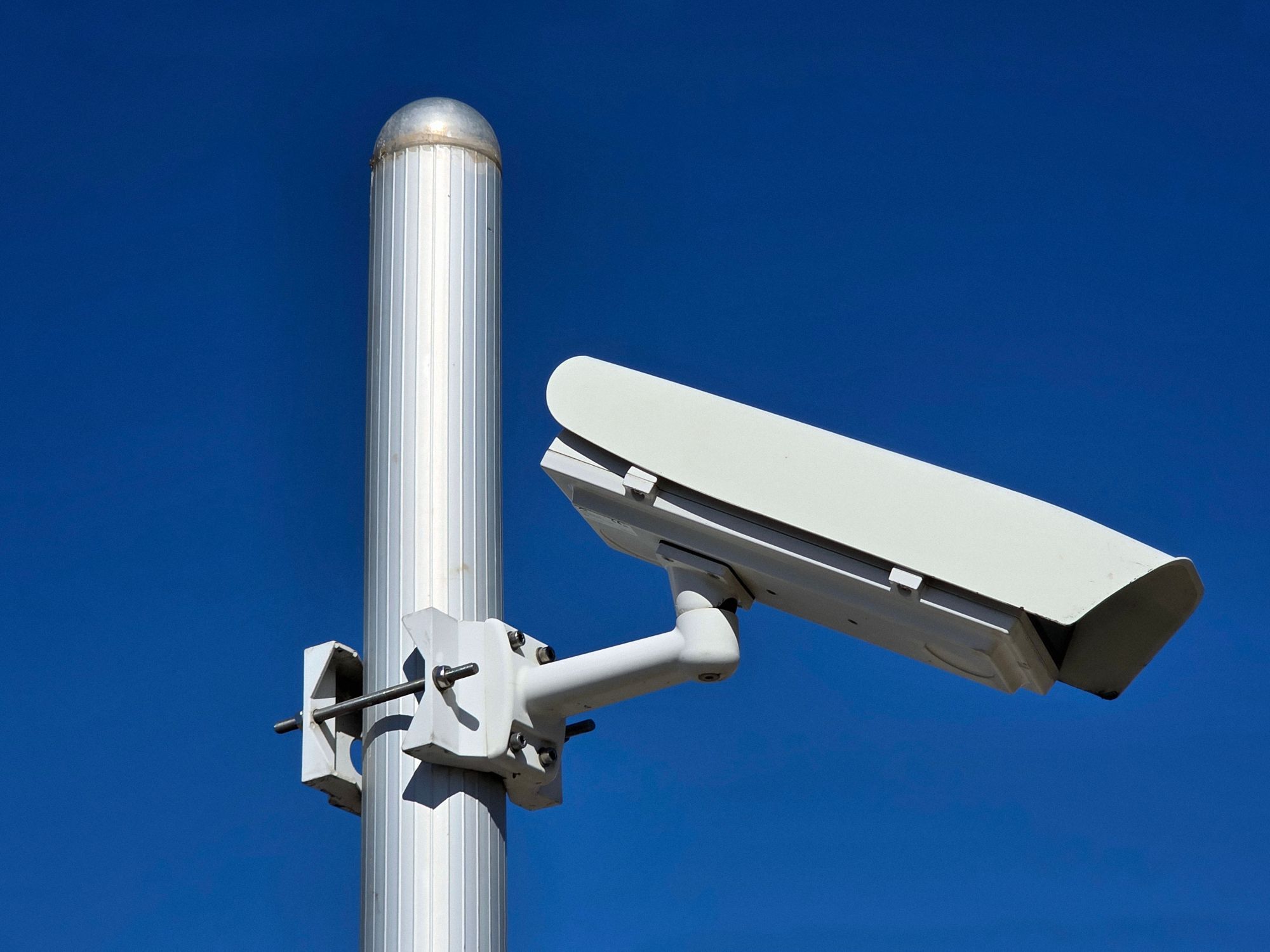
Mount outdoor cameras high enough that they are hard to knock down or cover, but not so high that every clip shows the tops of heads. Just below the first-floor eave often strikes a workable balance. Avoid pointing a camera straight into the rising or setting sun, and watch for bright porch lights in the frame, which can wash out faces at night. Before you drill, hold the camera in place and check the live view on your phone at different times of day. Small shifts in angle change what you get.
Cover the approach
A camera that sees the path to the door records a face as someone walks up, not only their back as they walk away.
Protect the camera itself
Route cables through walls or conduit where you can so they are harder to cut, and use screws rather than adhesive for outdoor mounts.
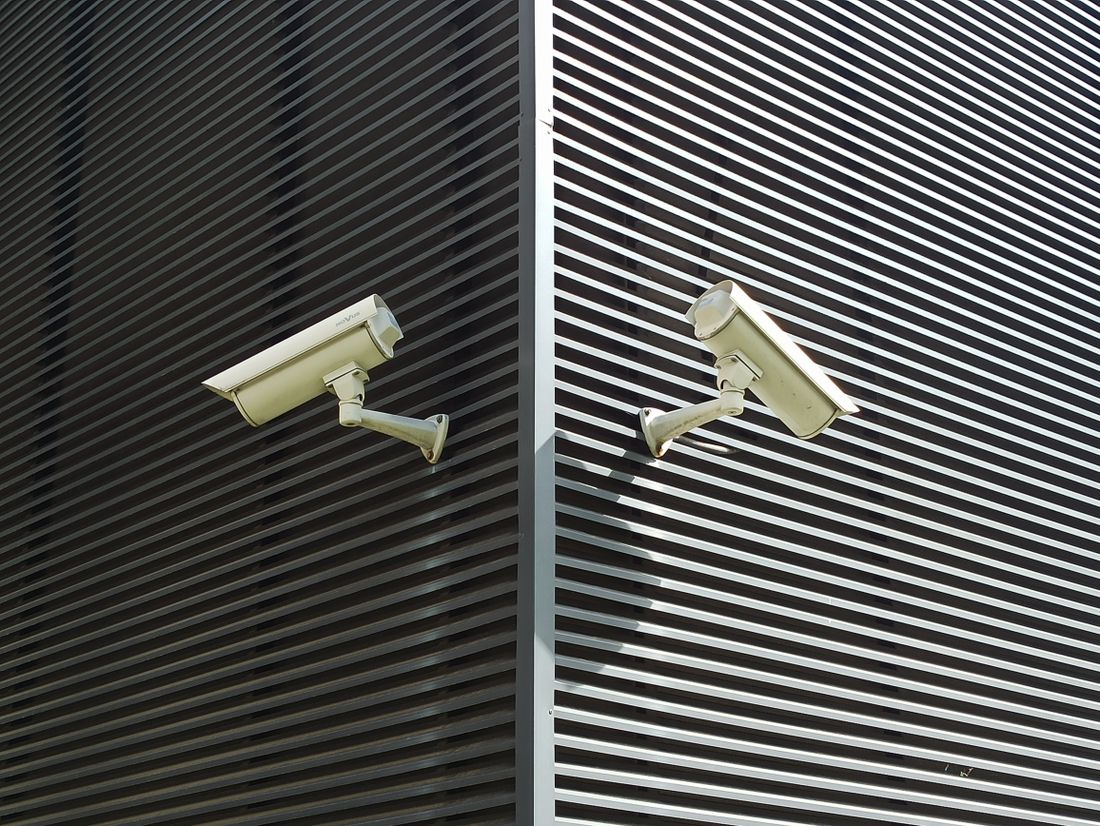
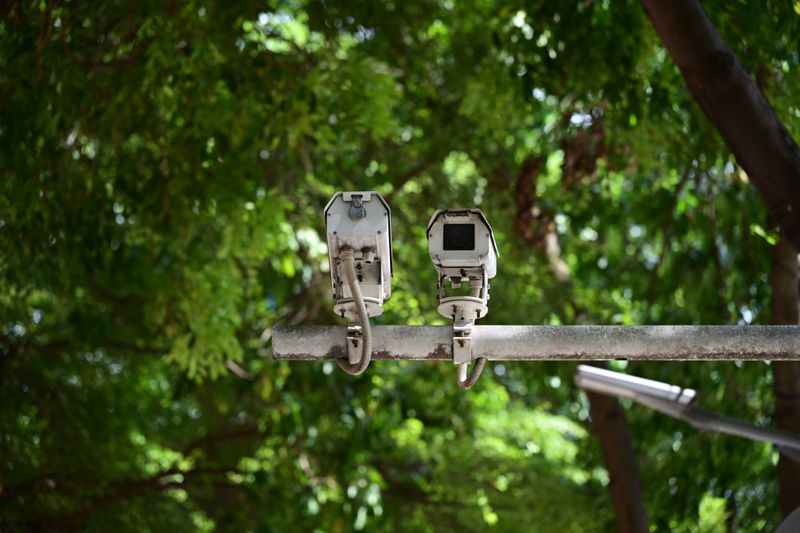
Security cameras mounted on slatted wall for surveillance
4Step 4 of 8
Respect your neighbors' privacy
Your cameras should watch your property, not someone else's. Aim them so they don't look into a neighbor's windows, backyard or front door, and use the privacy zones or masking settings that many cameras include to black out parts of the frame you don't need. A sidewalk or street may show up in a front camera's view, and that is often hard to avoid, but a view deep into the lot next door is not. If a neighbor raises a concern, show them the live view and adjust. Small changes like that keep relations good and head off disputes.
Use privacy zones
Masking a neighbor's window or yard in the camera settings keeps that area out of recordings while leaving the rest of your view intact.
Talk first
Letting nearby neighbors know you're adding cameras, and where they point, prevents surprises and can lead to a friendly offer to share footage if something happens on the street.
Read the HOA or lease
An association or landlord may limit exterior cameras or how they attach to the building. Find out what applies before you drill any holes.
5Step 5 of 8
Understand recording and audio laws
Laws about video and audio recording vary by state and sometimes by city, so there isn't one national rule to follow. Audio is the area to be most careful with. In some states, every person in a conversation has to agree before it can be recorded, and a camera that picks up voices from the sidewalk may cross that line. Many homeowners simply turn off audio on outdoor cameras. Indoors, keep cameras out of bathrooms and out of bedrooms used by guests, and tell babysitters, cleaners, house sitters and other visitors that cameras are in use. If you're unsure, look up your state's rules or ask a local attorney.
Consider muting outdoor audio
Turning off the microphone on cameras that face public areas avoids recording passersby's conversations, which can raise legal questions in some states.
Give visitors notice
A small sign near the door, or a quick word to guests and workers, makes it clear that recording is happening and avoids awkward surprises later.
6Step 6 of 8
Plan for storage and access
Footage has to live somewhere. Cloud storage keeps recordings off-site, so they survive if a camera is stolen or damaged, but it usually comes with a monthly plan. Local storage on a memory card, a hub or a network video recorder avoids ongoing fees but needs its own protection, since a recorder sitting on a shelf can be carried off. Decide how long you want to keep clips and set the system to delete old footage automatically. For many households, a few days to a few weeks of history is plenty.
Hide the recorder
If you record locally, keep the recorder or hub in a closet or another out-of-the-way spot rather than on a shelf near the front door.
Save what matters
When something does happen, download the relevant clips right away so an automatic deletion schedule doesn't erase them before you need them.
7Step 7 of 8
Lock down accounts and your network
A camera is a small computer on your home network, and its account is a view into your home. Change any default password during setup, use a long unique password, and turn on two-factor login for the camera app. Keep firmware updated, or enable automatic updates if the camera offers them. If your router allows it, give cameras and other connected gadgets their own network, apart from the laptops and phones you bank on. When you sell or give away a camera, reset it to factory settings and remove it from your account, and review who has shared access every few months.
Review shared users
Remove old roommates, former partners, contractors or anyone else who no longer needs access to live video or saved clips.
Watch app permissions
Allow only the phone permissions the camera app actually needs, and delete apps for cameras you no longer own or use.
8Step 8 of 8
Set notifications you will actually use
A camera that pings your phone every time a car drives by quickly gets ignored. Use motion zones to focus on your walkway, driveway or porch, and leave the street out. Many cameras can tell people, vehicles, animals and packages apart, which lets you choose what triggers a notification. Set quieter schedules for times you're home and more sensitive settings when you're away. If you see something happening in real time that looks like a crime, call 911 rather than confronting anyone, and share your footage with police afterward if they ask for it.
Tune settings over time
Give new settings a week, then tighten zones or lower sensitivity based on which notifications turned out to be nothing.
Checklist for mounting a camera
Tick boxes as you go. Nothing leaves this page.
0 of 8
Questions and answers
In many places, a public street or sidewalk that falls within your camera's view is generally allowed, but rules vary by state and city, and audio is treated differently from video. Aim at your own property, mask areas you don't need, and avoid recording the conversations of passersby. If you're unsure about your area, check local rules or ask an attorney.
Not always. Some cameras save clips to a memory card or a home recorder with no monthly fee. Others store footage in the cloud and put features like longer history or person detection behind a paid plan. Compare what's included before you buy, and think about whether you want footage kept off-site in case a camera or recorder is taken.
They can be handy for checking on pets or confirming a door is shut, but they carry more privacy trade-offs than outdoor cameras. Keep them out of bathrooms and bedrooms, switch them off or cover them while you're home if you prefer, and tell anyone who stays or works in your home that they're there. Secure the account carefully, since indoor video is especially personal.
Some insurers offer discounts for certain security devices or monitored systems and others don't, and the details vary by company and state. Ask your insurer what qualifies and what proof they need. Even without a discount, clear footage can be useful when you file a police report or an insurance claim after an incident.
The right camera setup shows you what you need without watching more than it should. Start with the front door, add views of the driveway or back door if they matter to you, and revisit the angles and settings after a few weeks of real use. SecureYrHome publishes homeowner guides on cameras, locks, lighting and other parts of home security as general education. For wiring, larger systems or questions about recording laws where you live, talk with a qualified installer or an attorney in your state.
A video doorbell is only as useful as its settings. Learn where to mount it, how to respect neighbors' privacy and which motion, notification and account settings are worth changing.
Smart locks trade keys for keypads and apps, but they still need batteries, good doors and sensible habits. Here's how they connect, what happens when power runs out and what to ask.
Where you mount an outdoor camera matters more than which one you buy. Here is how to cover your own doors, drive and yard while keeping neighbors' homes and local recording laws in mind.
6 min read
Know the homes in your territory before you knock.
Property and homeowner records, list building, routes and outreach tools for security dealers, locksmiths, installers and contractors.