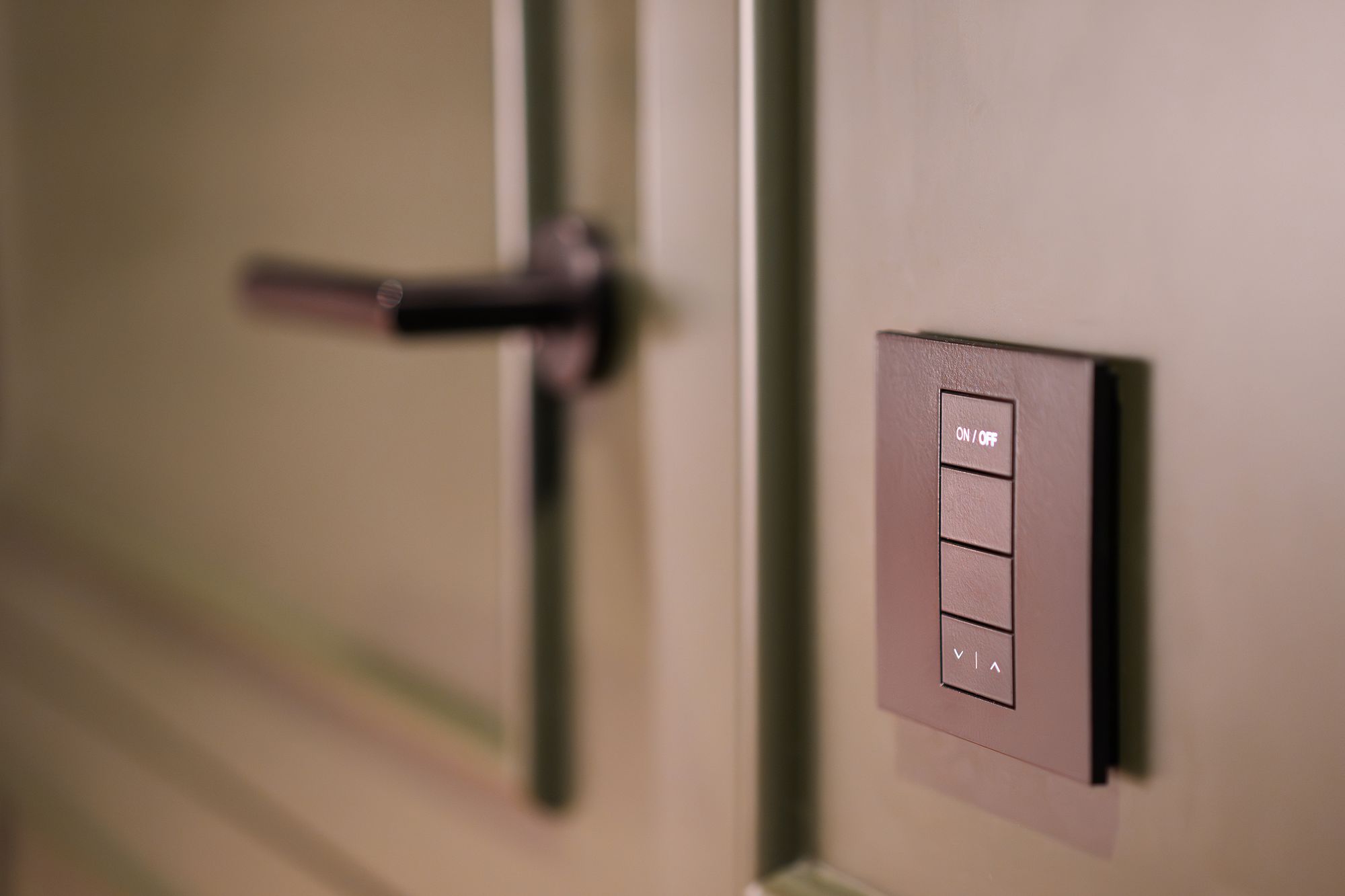
Smart Home Installers
Homes where a smart home project makes sense
Doorbells, cameras, smart locks, lighting and the network holding it all together: every project starts with the right house. SecureYrHome helps you find recent buyers, newer builds and larger homes in your area, then organize the work before any cable gets pulled.

How smart home installers put SecureYrHome to work.
Move-in is setup season
Buyers who just closed are busy changing codes, setting up internet service and deciding where the TV goes. That's a natural window to talk about doorbells, locks and network coverage.
Size up coverage early
Square footage, lot size and building age, where the county records them, give you a rough sense of how many access points, cameras or wiring runs a job might need.
Projects your CRM can track
Export target lists and property details to your CRM so design notes, quotes and service visits stay attached to the right address from the start.
Target homes by what the project needs
A video doorbell install and a whole-home network redesign are different sales to different owners. With SecureYrHome you can filter by sale date, property type, building age, size and owner-occupancy, then stack those filters to match the kind of project your team does well.
Buyers who just closed
New owners inherit whatever the seller left: a doorbell tied to someone else's account, a keypad lock with unknown codes, a router buried in a closet. Reset and setup work fits right in.
Newer construction
Homes built more recently may have structured wiring or conduit you can use, which changes how you quote. Building age helps you plan, though only a walkthrough confirms what's behind the drywall.
Larger homes and lots
Bigger floor plans and deep lots often need mesh networking, extra camera angles and outdoor lighting on longer runs. Size filters help you find projects that match your crew's experience.
Homes with period character
Plaster walls, masonry and tight attic access make wiring harder and wireless planning more important. Building age can point to those jobs early so you can quote realistic labor.
Plan installs that respect the neighbors
Smart home work touches privacy in ways a lock change never does. Cameras can see past property lines, doorbells can record audio, and recording laws vary by state. Building those conversations into every design review protects homeowners, their neighbors and your company's name.
Aim within the property
Before mounting a camera, walk the lot line with the homeowner and aim at their own driveway, doors and yard, not into a neighbor's windows or backyard.
Audio rules differ
Some states require consent from everyone in a recorded conversation. Walk clients through the audio settings on doorbells and cameras, and suggest they check their state's rules before switching audio on.
Secure the network you build
Change default passwords, put cameras and locks on a separate network where the router allows it, and hand over admin credentials properly. A sloppy network undoes the security the devices were meant to add.
Permits for low-voltage work
Low-voltage licensing and permit requirements vary by state and city. Knowing each town's rules before you quote avoids surprise delays on jobs that run wiring through walls.

Build your next smart home project list from property records with SecureYrHome.
Join UsThe right message for each owner
Many homeowners research smart devices on their own before hiring anyone, so outreach should inform rather than push. SecureYrHome supports mail and calls, plus SMS on plans that include it. Consent, do-not-call and telemarketing rules govern calls and texts, and state requirements differ.
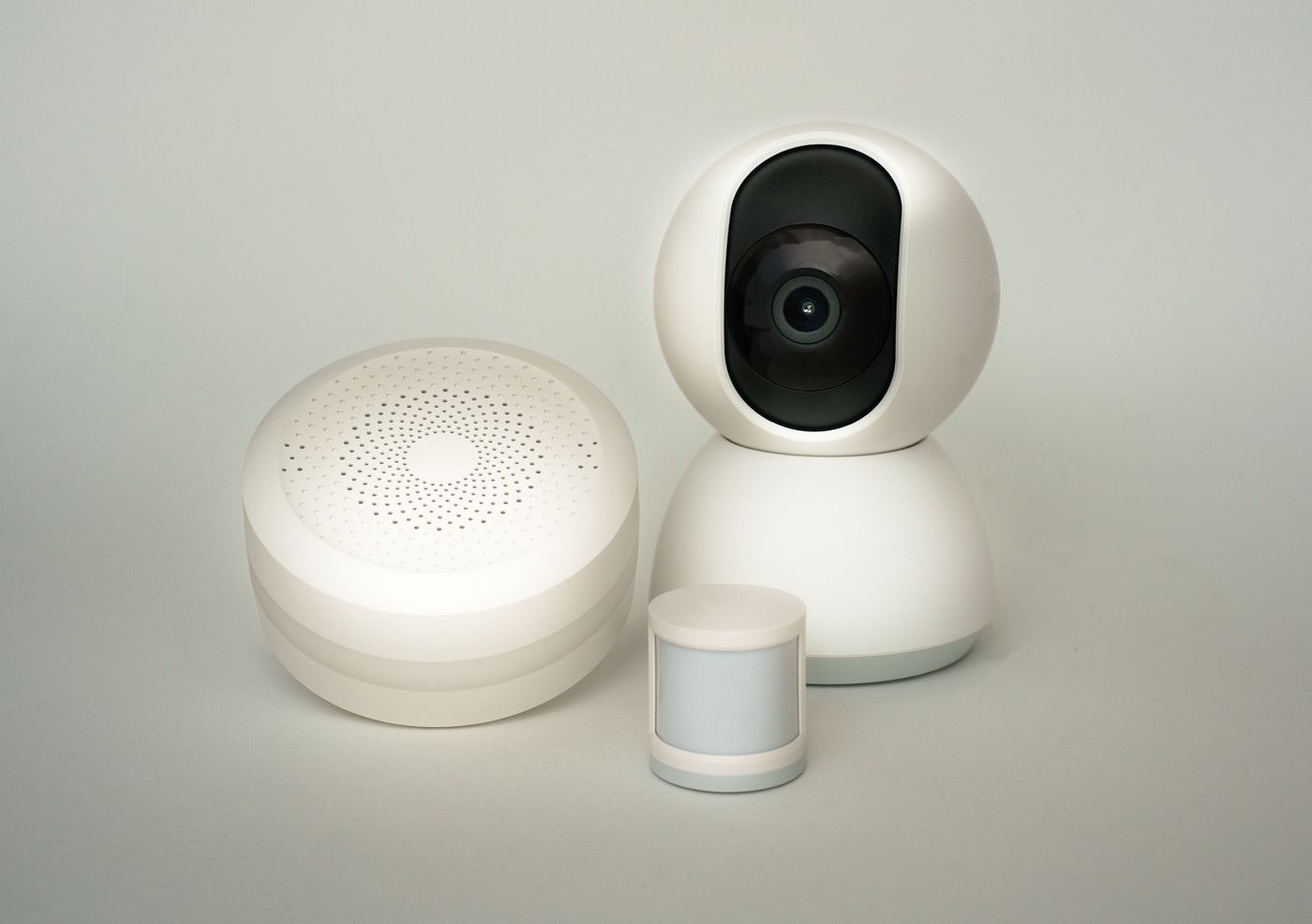
A useful mailer
Send new owners a short piece on resetting inherited devices: doorbells, keypads, garage openers and the router. Check consent, do-not-call registrations and telemarketing law before anyone follows up by phone or text.
Skip-traced details, used carefully
Contact details from skip tracing are a starting point, not permission. Match them against do-not-call lists, confirm consent where the law requires it and follow the telemarketing rules for your state.
Texts people agreed to
On plans with SMS, message only homeowners who agreed to hear from you in the way consent rules require, keep messages short and relevant, and remove anyone who replies stop. Do-not-call and telemarketing rules still apply.
Demo nights and door visits
Neighborhood demos and door visits can work, but check local solicitation rules and respect "no soliciting" signs. Any calls or texts that follow are subject to consent, do-not-call and telemarketing rules.
Keep your pipeline and service list current
Smart home clients need help after the install: firmware updates, new devices, a router that finally gives out. Keeping lists current and exports tidy means your team knows which homes you've served, which have sold to new owners and which deserve a fresh look.
Watch past clients' homes
Recent-sale lists that refresh automatically can reveal when a home you wired changes hands. The new owner inherits your equipment but not the accounts, so a proper handover helps everyone.
Exports that match your workflow
Send lists to your CRM with property details attached, so project managers see home size, age and type before they build a proposal.
Map service coverage
Draw the area your techs can reach for a same-day service visit, and use it to decide which new projects fit without stretching the team too thin.
Learn from your results
Track which filters led to signed projects, whether new buyers, larger homes or newer builds. Patterns in your own jobs say more about your market than general advice ever will.
Why smart home installers choose SecureYrHome
Built around how your trade finds and serves homeowners, with the rules kept in view.
Filters set by project type
Sale date, building age, size and occupancy help you match homes to the doorbell, lock, lighting and network work your team handles.
Property context before walkthroughs
Look up a home's records before the site visit so your designer arrives with a rough sense of its size, age and type.
Data limits stated clearly
County records differ in what they capture and how fast they update. We're upfront about that, so you verify details on site instead of assuming.
Privacy taken seriously
Our homeowner guides stress that recording laws vary by state and that cameras should be aimed at the owner's property, not the neighbors'.
Your workflow, unchanged
Choose your filters, service area and refresh schedule. SecureYrHome hands you records and tools, then stays out of how you design, sell and install.
Questions from smart home installers.
Still wondering about something? Someone on our team answers every message.
No. SecureYrHome doesn't sell, install, configure or monitor doorbells, cameras, locks or any other equipment, and it isn't a security company or monitoring center. It offers no emergency response. It's a data membership that helps installers find and organize homeowner records, plus a library of general homeowner guides.
We publish general homeowner guides that explain why camera placement should respect neighbors and why recording and audio laws vary by state. They aren't legal advice. For your own installs, check the rules in each state you work in and note how you set audio and camera angles with each client.
Treat them as planning hints. A larger home or deep lot suggests more access points, longer outdoor runs and extra camera angles, while an older house may mean plaster, tight attic space and more wireless gear. Confirm everything on the walkthrough, since county records can be incomplete or out of date.
Only on plans that include SMS, and only in line with the rules that govern texting. That usually means having the consent federal and state law requires, checking do-not-call status, following telemarketing rules on timing and content, and honoring opt-outs quickly. Requirements vary by state, so run your plan past a lawyer who handles these issues.
Other solutions