SecureYrHome Editorial
In this article7 sections
Key takeaways
- Schedule the walkthrough as part of the job instead of squeezing it in.
- Cover codes, app settings, false alarm habits and local registration before leaving.
- Remind homeowners about camera privacy, recording laws and calling 911 in emergencies.
The equipment is mounted, the panel is programmed and the test signals came through. The crew is packing up. The homeowner is standing in the hallway holding a phone with a brand-new app on it and an expression that says they aren't sure what just happened. The next half hour will shape how that homeowner feels about the entire job.
A good handoff turns a working system into one the household actually uses. A rushed one leads to confused calls, false alarms, disabled sensors and sometimes a system that simply never gets armed. Here's how to treat the handoff as a real part of the installation rather than an afterthought.
Put the walkthrough on the schedule
If the walkthrough is whatever time is left at the end of the day, it will be short. Build a set block of time into every job estimate and schedule, scaled to the size of the system. A single video doorbell may need a few minutes. A full alarm system with cameras, smart locks and several users needs considerably more.
When you book the job, ask who will use the system, and request that the key people be home at the end. Teaching one person who then has to explain everything to the rest of the household tends to lose details along the way.
Walk the house, not the manual
Homeowners remember what they see and do far better than what they're told. Instead of sitting at the kitchen table with a manual, walk through the home together.
Start at the main entry. Show where the keypad is, how arming and disarming work and what the entry delay sounds like. Then walk to each protected door and window so they know which openings are covered. Point out motion sensors and explain where pets, balloons or ceiling fans might cause trouble. Show where each camera is aimed and what it can see. Finish at the panel or hub and explain what the backup battery is for and what happens during a power or internet outage.
Let the homeowner do each step themselves, not just watch. Having them arm and disarm the system, operate a smart lock from the app and pull up a camera feed while you're still in the house turns a demonstration into a habit.
Codes, users and the app
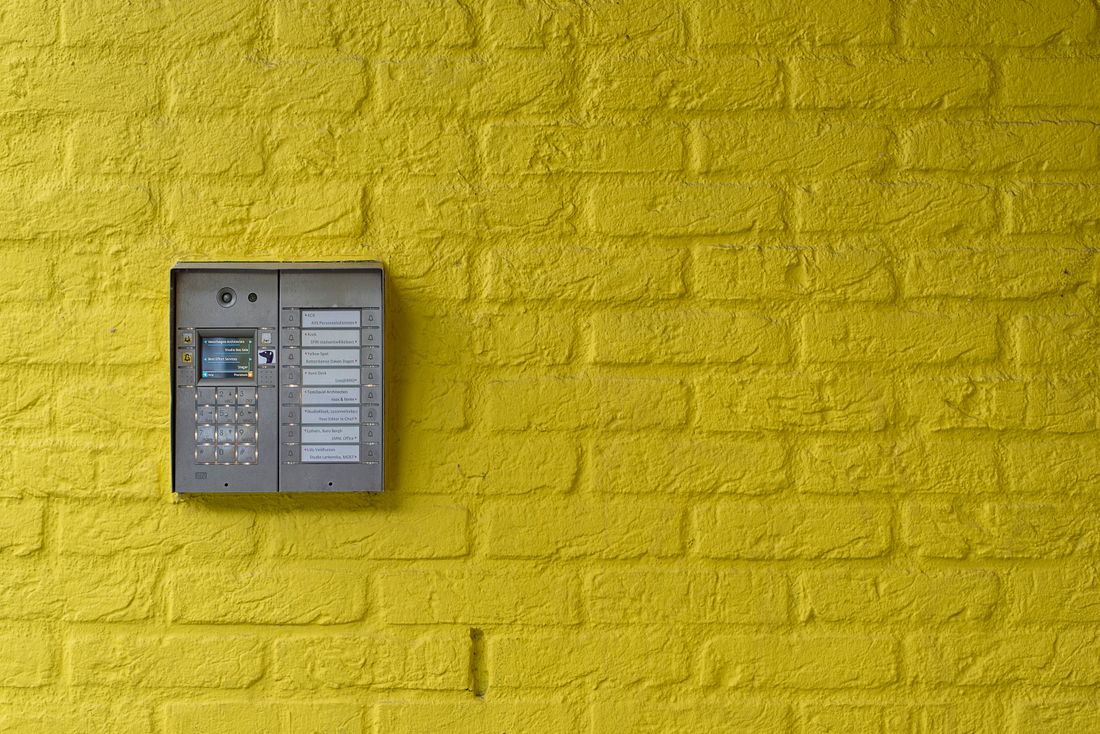
Help the homeowner set their own codes rather than leaving installer defaults in place. Walk them through adding users for family members, and explain the difference between a permanent code and a temporary one for a dog walker or house cleaner. If the system uses a duress code or a monitoring passcode, explain what each does and encourage them to keep the passcode somewhere safe, not taped to the panel.
In the app, set up notifications together. Some homeowners get a flood of motion notifications in the first week and respond by switching everything off. Help them choose what they actually want to hear about, such as the system being disarmed, a door opening while they're away or a camera detecting a person at the front door.
Heading off false alarms from day one
False alarms frustrate homeowners, take up responders' time and can lead to fees in places with false alarm ordinances. Many come from simple causes: a new user who doesn't know the code, a door that doesn't latch, a pet in a motion zone or a guest who arrives while the system is armed.
If the system is professionally monitored, explain how the monitoring center will reach them, whose numbers are on the call list and what to say if they set off the alarm by mistake. Some dealers arrange a short test period after activation, when signals are received but police aren't dispatched, so the household can get used to the system. Confirm your monitoring center's procedures before you describe anything to the customer.
Then cover local rules. Many cities and counties require homeowners to register or permit a monitored alarm, sometimes before activation, and rules on fees and false alarms vary from place to place. Tell the homeowner whether their jurisdiction has requirements and how to meet them. Be clear about one more thing: in an emergency, they should call 911 directly. The system supports their safety plan but doesn't replace emergency services.
Privacy, cameras and recording rules
Cameras are one of the most common sources of homeowner questions and neighbor complaints. During the handoff, review each camera's field of view with the homeowner and adjust it if it captures more of a neighbor's yard or windows than it needs to. Many cameras allow privacy zones that mask parts of the image, so set those up together.
Audio deserves specific attention. Laws on recording conversations differ by state, and some require the consent of everyone being recorded. If a camera or doorbell records audio, show how to turn that feature on or off and suggest the homeowner check the rules where they live. Also explain where recordings are stored, who can access them and how to share access with family members without passing around a single login.
A handoff checklist for your techs
Give every crew the same list and have the homeowner initial it before the crew leaves:
- Homeowner has armed and disarmed the system successfully
- Personal user codes are set and installer defaults are changed
- Additional users and any temporary codes are added
- App is installed, signed in and notifications are configured together
- Monitoring passcode and contact list are confirmed, if the system is monitored
- Camera views and privacy zones are reviewed with the homeowner
- Audio recording settings are explained, with a note that laws vary by state
- Local alarm registration requirements are explained, including where to register
- Homeowner knows how to reach your office with service questions
- A printed or emailed quick-start sheet is left with the household
- Homeowner knows to call 911 directly in an emergency
Following up after the first week
A short call or message about a week after the install catches problems while they're small. Ask whether everyone in the household can use the system, whether any notifications are annoying, and whether they've finished any required registration. If there's been a false alarm, talk through what happened and adjust settings or retrain as needed.
Homeowners who feel confident with their system are more likely to keep using it, and they're often the ones who call you back when they want another camera or lock. SecureYrHome publishes plain-English homeowner guides on locks, cameras and daily routines, and general reading like that can sit alongside the specific instructions your team leaves behind.
This article is general information for business owners, not legal advice. Telemarketing, consent, licensing and solicitation rules vary by state and city.